
Questions, answered
43 answers about the product, templates, anonymisation, pricing, security and getting started. Can't find yours? A real person replies within one business day.
Product
What is FormatMyCV?
AI CV formatting software for recruitment agencies, staffing firms and executive search teams. It turns any candidate CV into a polished document in your branded template in seconds, ready to export as PDF, Word or a secure link.
How accurate is the AI formatting?
The engine is trained on hundreds of thousands of real CVs across languages and layouts. Most CVs are client-ready on the first pass; anything that needs a tweak can be edited inline before export.
Which file types are supported?
PDF (text-based or scanned), Word DOCX, JPG and PNG images, and LinkedIn profile URLs. You can also forward CVs by email.
Does the AI change what candidates wrote?
No. Formatting restructures and restyles content without changing facts. Optional enhancements (summarise, proofread, rewrite, translate) only run when a consultant chooses them.
Can FormatMyCV translate CVs?
Yes. The AI enhancement suite can translate a CV while keeping your branded layout.
What is the difference between CV parsing and CV formatting?
CV parsing extracts data fields for an ATS or database. CV formatting — what FormatMyCV does — produces a finished, branded document for clients.
Can it read scanned or photographed CVs?
Yes. Scanned PDFs and JPG/PNG images are read with OCR before formatting. Very low-quality scans may need a quick manual check.
How is FormatMyCV different from using ChatGPT?
General chatbots rewrite text but lose your exact layout, handle one CV at a time and require pasting candidate data into a general tool. FormatMyCV reproduces your template exactly, handles batches and anonymises to consistent rules.
Templates & branding
Can I use my own branded template?
Yes. Every plan supports your logo and colours, and Essential and Pro include one custom template built by our design team from your house style — typically within 48 hours.
Which starter templates are included?
Minimal, Classic, Academic and Modern. Pro also includes premium templates.
Can I have a different template per client?
Yes. Keep as many templates as you need — per client, office or market — and switch in one click. Additional custom templates are available on request.
What do I send for a custom template?
An example CV in your house style (Word or PDF), your logo and, ideally, your fonts, colour codes and formatting rules.
Can I update my template after a rebrand?
Yes. Send the changes and we update the template; every CV formatted afterwards uses the new version.
Are the templates ATS-readable?
Yes. Exports use real text, clear headings and a logical reading order.
Anonymisation & DE&I
Does FormatMyCV anonymise candidate data?
Yes. One click removes names, contact details, photos, addresses and links, and optionally employers and schools, to create a blind CV — for one CV or a whole batch.
Is anonymisation reversible?
On your side, yes: the original CV stays in your secure vault so you can reveal the candidate later. The exported blind CV contains no identifying details.
Why use blind CVs?
To reduce bias in early screening, meet tender and framework requirements, protect confidential candidates and stop clients bypassing the agency.
Can I anonymise employer and school names?
Yes, optionally — useful for confidential searches and education-blind processes. Names, contact details, photos and links are removed as standard.
Does anonymisation affect the layout?
No. The blind CV uses the same branded template, with a candidate reference in place of the name.
Bulk & email automation
How many CVs can I process at once?
Up to 100 CVs per batch on the Pro plan, with a live queue, error triage and ZIP export.
How does email-based formatting work?
Forward a CV to your workspace email address and receive the formatted version back — no login required.
Can I mix file types in one batch?
Yes — PDFs, Word files and images can be combined in a single batch.
Can a batch use different templates?
Each batch uses one template. If different clients need different formats, run one batch per template.
What happens if a file can't be read?
It is flagged in the queue with a reason (for example a password-protected PDF) while the rest of the batch continues.
Pricing & teams
How much does FormatMyCV cost?
Trial is free for up to 10 CVs (no card). Essential is $250/month for up to 300 CVs. Pro is $500/month for up to 700 CVs with bulk processing and priority support.
How does team pricing work?
All plans include unlimited team seats. You pay for CV volume, not headcount.
What if we exceed our monthly allowance?
On Essential and Pro you can purchase additional CV credits.
Do you offer larger volumes?
Yes. Contact the team for volumes above 700 CVs a month, extra custom templates or multi-office rollouts.
Are prices in US dollars?
Yes. Plans are priced in USD per month.
Do I need a credit card for the trial?
No. The Trial formats up to 10 CVs with no card required.
Security & data
Is candidate data secure?
Data is encrypted in transit and at rest, with workspace-level access controls and audit logs on every plan.
Can I delete candidate data?
Yes. Records can be retrieved or deleted on demand to support data-subject requests.
Do you sell or share data?
No. We do not sell data or share it with third parties for advertising.
What happens to data when I cancel?
Data is retained for 30 days so it can be restored, then permanently deleted.
Who is responsible for candidate data?
Your agency decides which CVs to upload and share and needs a lawful basis to process them; FormatMyCV processes them on your behalf only to provide the service.
Workflow & exporting
Which export formats are available?
Branded PDF, editable Word (DOCX) and secure, revocable weblinks. Batches can be downloaded as a ZIP.
Does FormatMyCV integrate with my ATS?
It works alongside any ATS or CRM: export PDF or Word and attach it to the record, or use email-based formatting. No integration project is needed.
Can I edit a CV before exporting?
Yes. Every CV opens in an inline editor with live template preview.
Can I share CVs without email attachments?
Yes. Secure weblinks let clients view a CV without an attachment, and links can be revoked when a process ends.
Getting started & account
Is there a free trial?
Yes — up to 10 CVs free with no credit card.
How long does setup take?
Minutes to format your first CV; about 48 hours for a custom template; most teams are fully rolled out within a week or two.
How do I cancel?
From your workspace settings. Cancellation takes effect at the end of the current billing cycle.
Do you help onboard teams?
Yes. We can walk your team through the workflow, including email-based formatting and bulk processing, on a short call.
Key terms explained
Plain-English definitions of the terms used on this page.
- CV formatting
The process of converting a candidate's CV into a consistent layout — usually a recruitment agency's branded template — before sending it to a client. Traditionally manual; now commonly automated with AI.
- CV parsing
Extracting structured data (name, contact details, jobs, dates, skills) from a CV so it can be stored in a database or ATS. Parsing produces data fields; formatting produces a finished document for a client.
- Anonymised CV
A CV with identifying details — name, contact details, address, photo and links — removed so the candidate can be assessed on skills and experience. Also called a blind CV.
- House style
An organisation's rules for how documents should look and read: fonts, colours, logo placement, section order, date format and tone. In recruitment, the house style defines how every candidate CV is presented.



Talk to the team
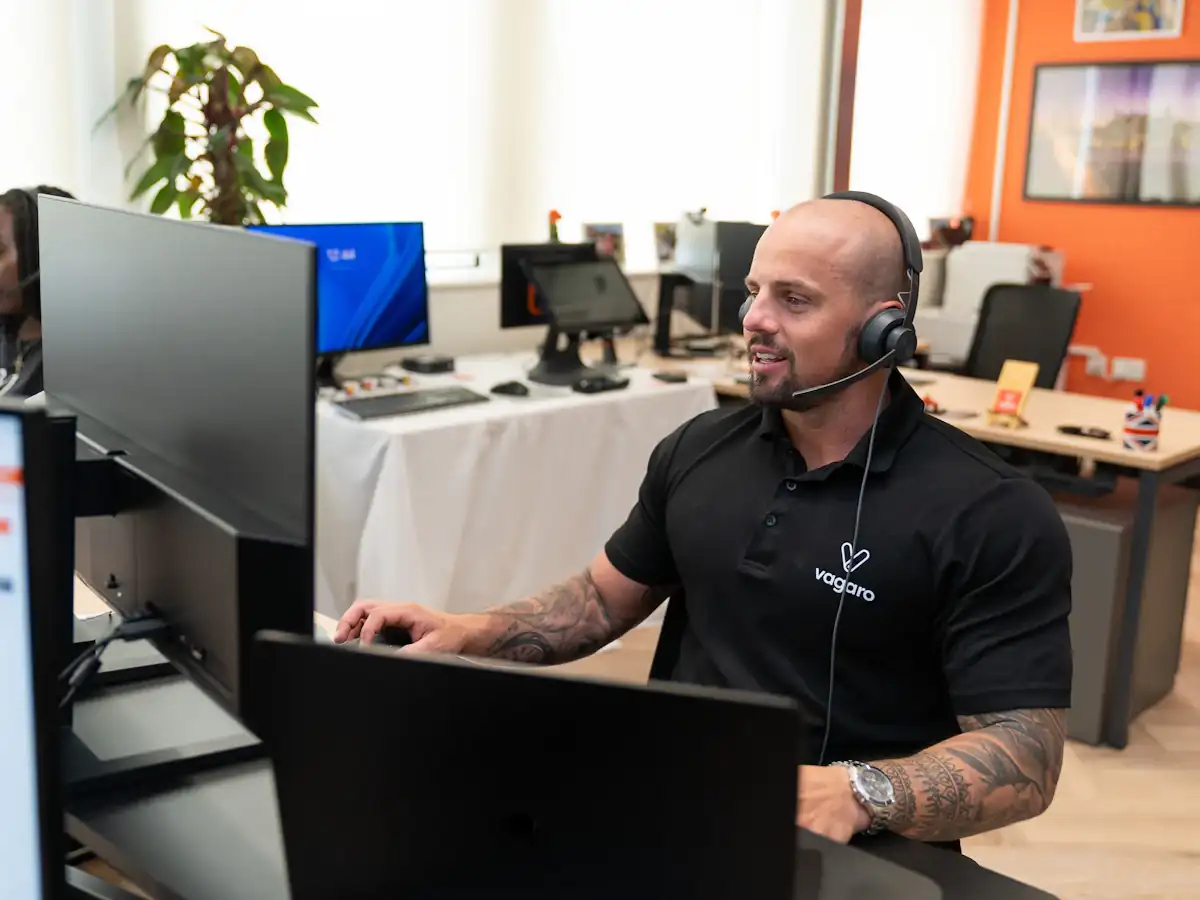
Questions go to a small team who know the product inside out — not a bot. Tell us about your desk and we will give you a straight answer.
The quickest answer: try it on your own CVs
Upload a handful of real candidate CVs, pick a template and compare the output with what your team produces by hand today.
Unlimited team seats on every plan · Cancel anytime · GDPR-friendlyAsk us anything about your CV workflow
Send a note and a real person replies within one business day — or book a 20-minute demo and watch your own CVs reformatted live.
Reach us directly
- Emailsupport@formatmycv.com
- London+44 20 3807 7392
- DemoBook a 20-minute demo
London N1 7GU
United Kingdom
Replies within one business day · No sales sequences · GDPR-friendly